



Gamblerina Mobile Platform
The Gamblerina app is the same casino space as on the website, just smaller and easier to reach. You have to add a shortcut, and that’s enough. It runs smoothly on most phones and tablets, games load consistently, navigation doesn’t get in the way, and moving between sections feels natural.



Gamble Rina App Features
The Gamblerina Casino app was built to carry the full casino. Everything you do on a desktop works the same way on mobile. Switching between platform sections can feel faster in the app than in a browser, mostly because we built the layout from scratch for finger navigation. Deposits, withdrawals and the verification process – all of it runs from the app without any redirects or limitations.
| Feature | What it does | Details |
| Full account access | Deposits, withdrawals, and verification all work completely through mobile casino | Your phone handles everything, and you don’t have to come back to your desktop |
| Background updates | The Gamblerina app refreshes through the browser system without any input from you | There are no manual downloads at all |
| Home screen launch | Just one tap from your home screen icon opens the casino directly | It is much faster than going to the browser all the time |
| Touchscreen-rebuilt controls | Buttons and menus were redesigned for fingers | The layout gives everything room |
Supported Browsers
You don’t need anything special to open Gamble Rina. A regular browser is enough – the kind you already use every day. It works well in all the common options:
- Google Chrome
- Opera
- Safari
- Microsoft Edge
- Mozilla Firefox
If your browser is up to date, everything runs as it should. The gaming experience stays consistent, and all features remain in place.
Gamblerina Casino App for Android OS
The Gamblerina Android version runs on phones and tablets across all screen sizes and most system versions released in the last several years. The full game library is there, every account function works, and the interface adjusts to whatever display it lands on without you touching any settings.
How the PWA Works
Gamble Rina runs as a progressive web app. The app lives in your browser and pins to your home screen, where it looks and behaves like any other app icon you have there.
Every time you open it, the Gamblerina app pulls the latest version automatically. There is no update notification to dismiss, it just stays current on its own. Memory use stays low because there is no installed package to maintain, and the connection runs encrypted throughout every session.
Getting it onto your home screen takes about ten seconds. Open the Gamblerina Casino website in your Android browser, tap “Add to Home Screen,” and the icon appears. That is the entire process.
| What Changes | PWA | Gamblerina APK Download |
| Where you get it | Direct from the Gamblerina Casino website | Third-party source |
| Storage used | Minimal | Takes up device storage permanently |
| Updates | They happen automatically on each launch | Manual download required for each version |
| Security | Encrypted browser connection throughout | Depends entirely on the source of the file |
| Push notifications | Supported | Supported |
| Installation time | Under a minute | Longer, with permission prompts |
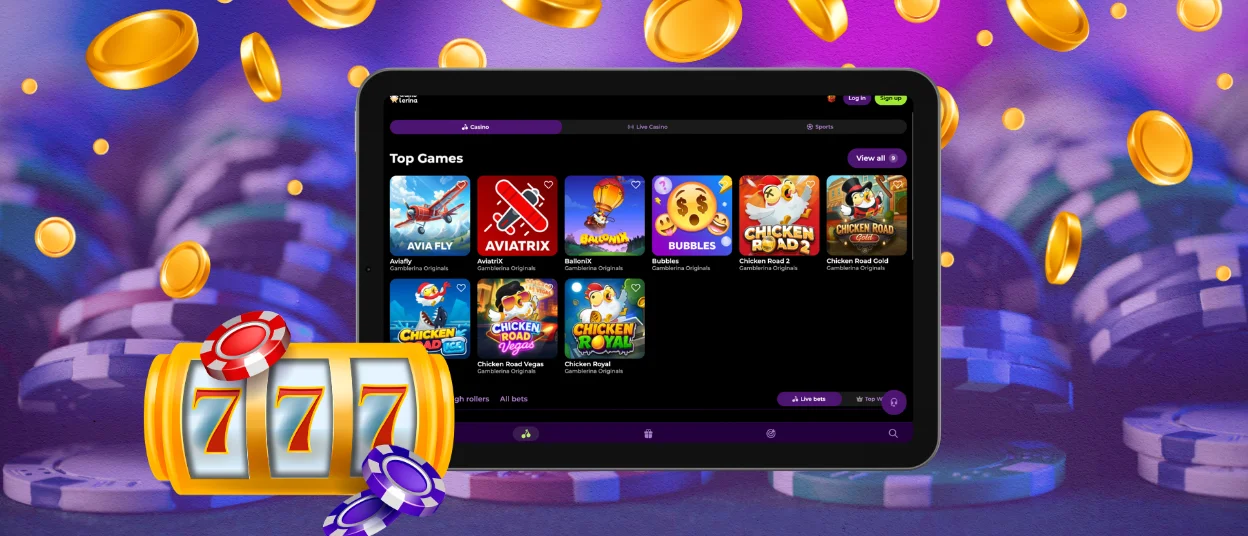
Gamblerina App – iOS
Using the Gamblerina app on an iPhone or iPad feels pretty natural after the first try. You simply add a shortcut. One tap, and you’re back inside your account. The layout fits nicely on iOS devices, and controls respond the way you expect. Installation steps are below.
- The “Share” icon at the bottom of the Gamblerina website screen gives access to additional options.
- Among them, “Add to Home Screen” places the shortcut directly on your device.
- After that, the icon stays on your screen, ready to open the casino with one tap.
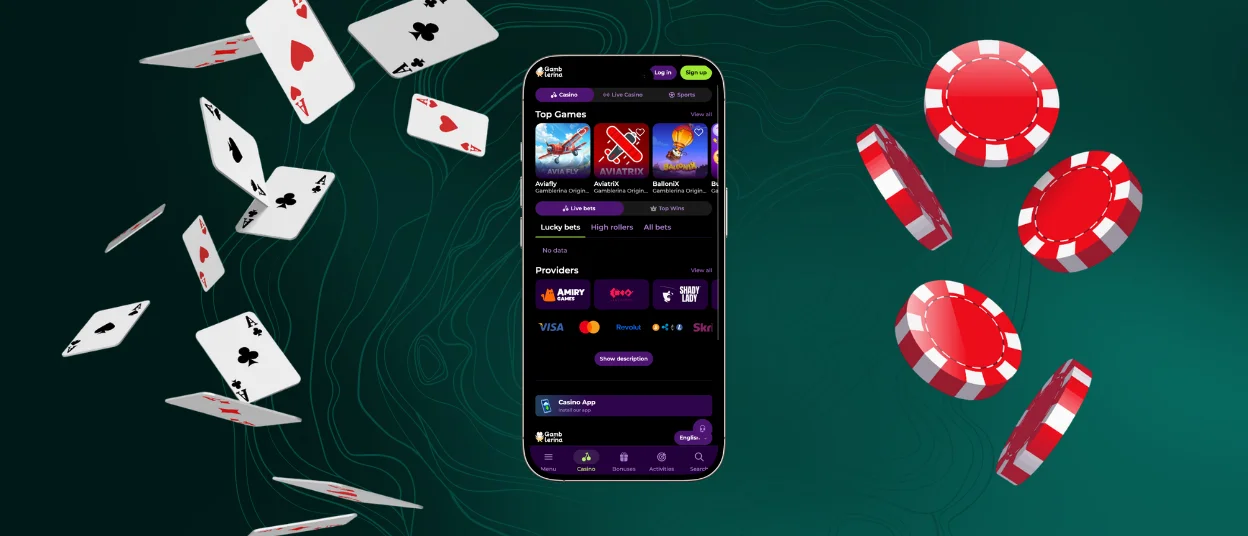

Gamblerina Casino – Desktop Version
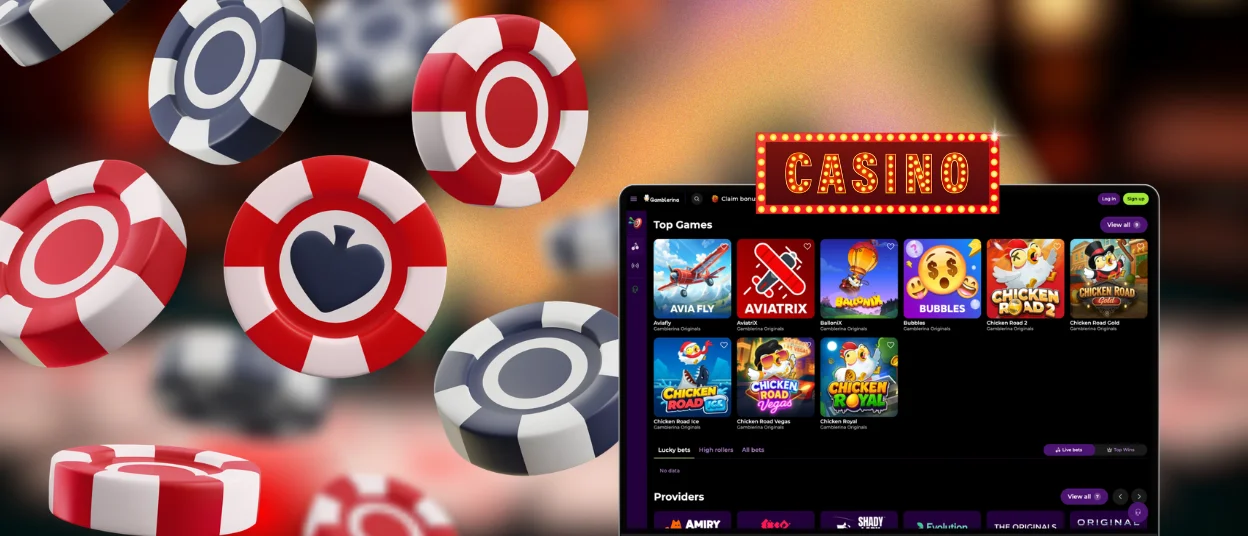
Gamble Rina feels a bit more spacious on a computer. Open it in your browser, and everything will be there. The full platform is available, including the whole game library, so nothing is missing or made easier.
There are also all the usual actions. You can finish the verification process and handle withdrawal requests all from the same interface, without switching devices. Some people choose to make a shortcut on their desktop. After that, it only takes one click to open the Gamblerina app.
FAQ
What should I do if the app crashes or doesn’t load properly?
A weak connection can cause issues, so checking that often helps. Sometimes the page just needs a refresh, or the Gamblerina app needs to be reopened. Clearing the browser cache can also fix small glitches. If the problem doesn’t go away, the support team is available through live chat or email and can take a closer look.
Can I use Gamblerina Casino on my tablet?
Yes, and it feels quite comfortable on a larger screen. The layout adjusts on its own, so games, menus, buttons and settings don’t look stretched or misplaced. Online slots, live tables, promotions, and crash games are there, just with a bit more space to work with. The setup process doesn’t change either, so if you’ve used it on a phone, it will feel familiar right away.
How do I update the app to the latest version?
There’s nothing to update in the usual sense. The Gamble Rina Casino app runs through your browser, so it doesn’t rely on manual updates or store versions. When you open it, you’re already using the current version. If something feels off, a simple refresh or reopening the app brings everything back in line.


